Android Desktop Mode turns your Pixel into a pocket PC: here's how
Pixel 8 and newer phones can drive a full desktop-style interface on an external monitor. Setup takes about a minute.
Turning a phone into a computer is an old dream. Hardware experiments like Asus' PadFone and Motorola's Atrix Lapdock flopped, and Microsoft's Continuum was retired in 2017, while Samsung DeX and Motorola Smart Connect kept the idea alive on their own phones.
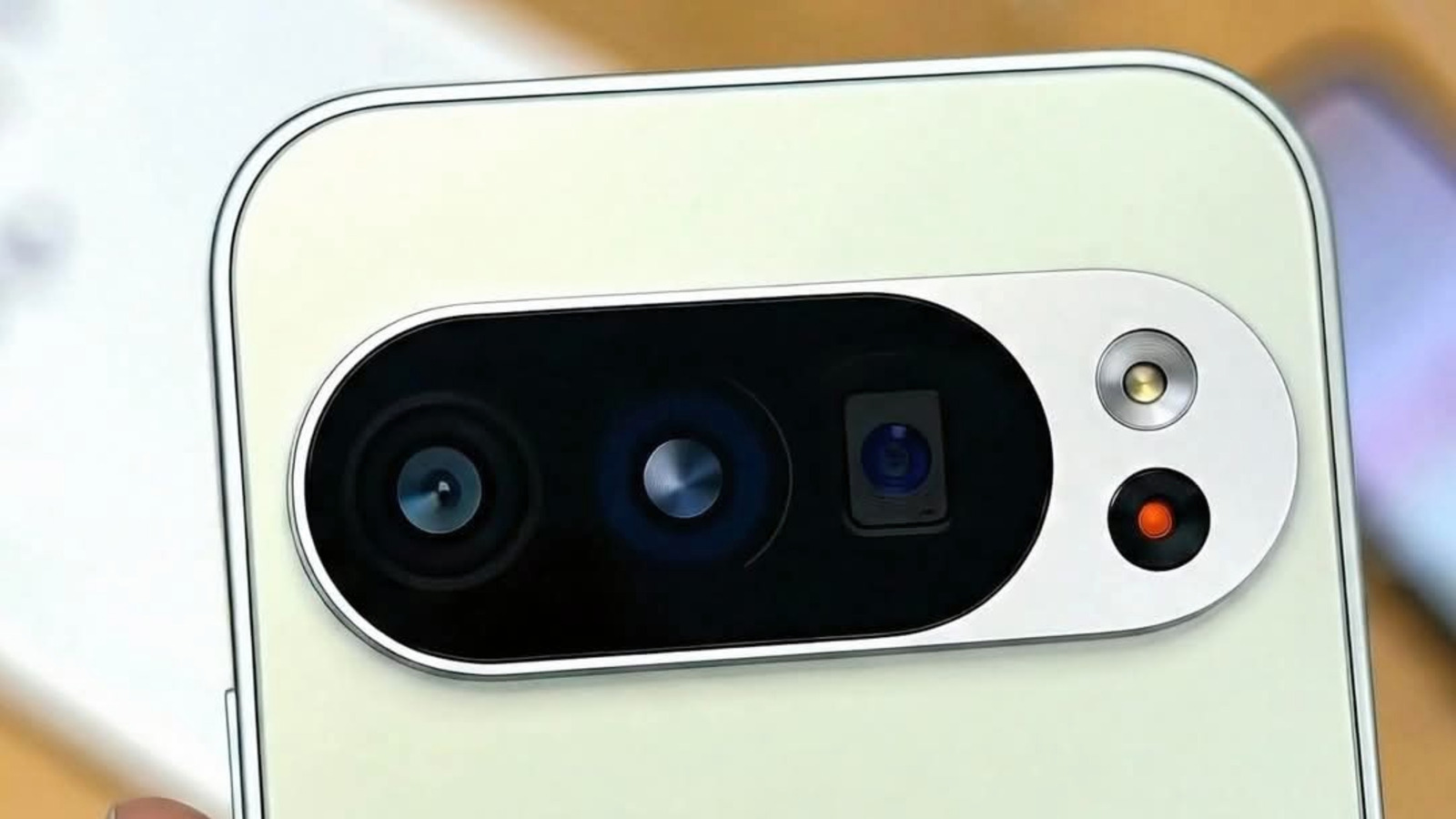
Now Google has its own take. After a long beta, Android Desktop Mode arrived for the Pixel 8 and newer through the March Pixel Drop.
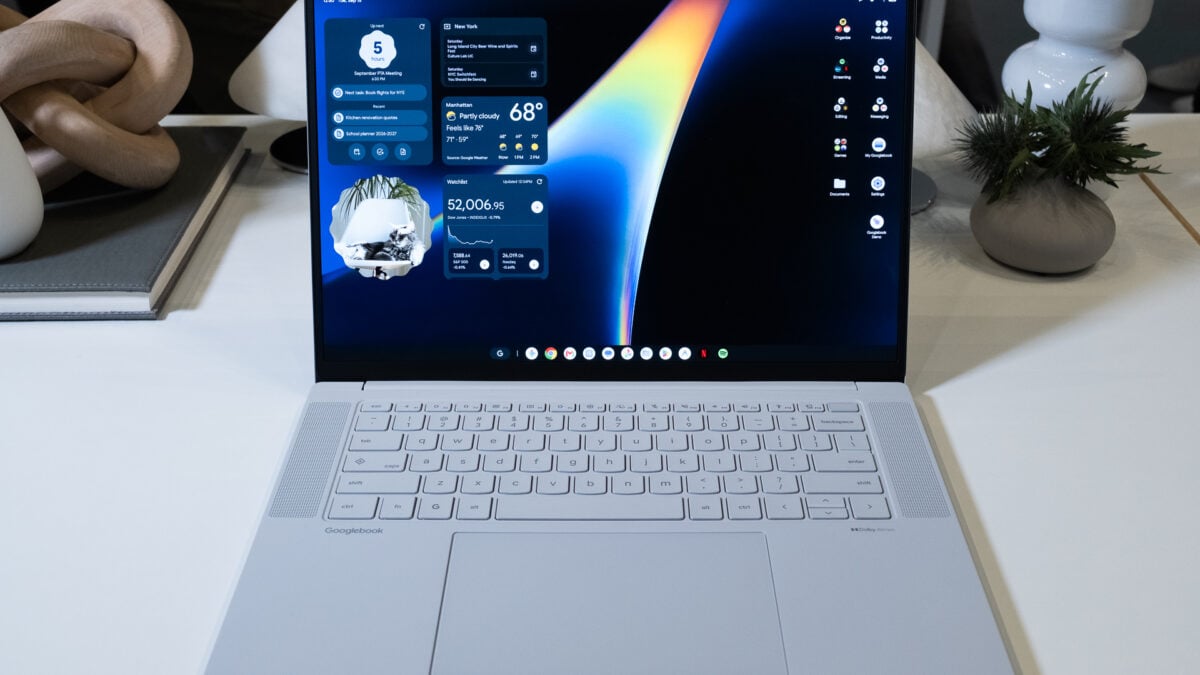
Setup is simple: connect your Pixel to a monitor using a high-speed USB-C cable, choose Desktop (not Mirror) in the pop-up, then pair a Bluetooth or USB keyboard and mouse. Apps open in resizable windows, a start-style menu opens the app drawer and swiping down shows notifications.
Unplug and plug back in later, and your window layout is restored so you can pick up where you left off. For now the feature is Pixel-only; Google hasn't said when other Android phones will get it.